Account Setup & Management
Most features of Better Piano Practice require that you sign-in with an account. This is so that your practice sessions, personal library of sheet music, practice goals, and progress can be saved reliably and accessed from any of your devices. If you are just viewing a practice session that someone has shared a link to, no account is needed.
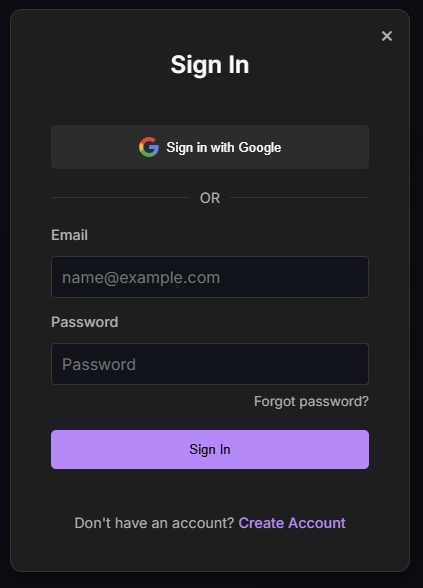
E-mail vs. Google Account
Using a Google Account to sign-in is highly recommended. It's simpler, avoids having yet another password to remember, and Google supports useful features like 2-factor authentication that BPP does not offer directly.
If you prefer not to use a Google account, you can create an account with your email address, and choose a password. You'll need to verify ownership by clicking a link that will be sent to the provided E-mail address from support@betterpianopractice.com. If you don't receive a verification email, you may need to check your spam folder, or add support@betterpianopractice.com to your allowlist.
We will not share your E-mail address with third parties, and we don't send marketing or other commercial E-mail.
Account Settings & Visibility
You can view or adjust account settings by clicking on icon at top right of the navigation bar (which looks like your profile picture if you're using a Google account, and a generic icon with your initial otherwise).
A note on the visibility of "Your Name" and "Profile Picture": neither is publicly visible. If you do not share your practice sessions or add trusted contacts, this information is visible only to you. If you add another person as a trusted contact, these settings control how you will appear to them. If someone else adds you as a trusted contact, they will see this information only after you accept their request.
You Own Your Data
Any practice sessions you record with Better Piano Practice are yours, as described in the Terms of Service. It's important to us that you know this!